

Descrizione
Permetti ai tuoi visitatori di iscriversi alla tua newsletter in maniera facile. Con questo plugin, è finalmente possibile.
This plugins helps you grow your email list in Mailchimp. You can use it to create good looking and accessible sign-up forms or integrate with any other existing form on your WordPress site, like your contact, comment or checkout form.
Alcune (ma non tutte) le caratteristiche
-
Connect with your Mailchimp account in seconds.
-
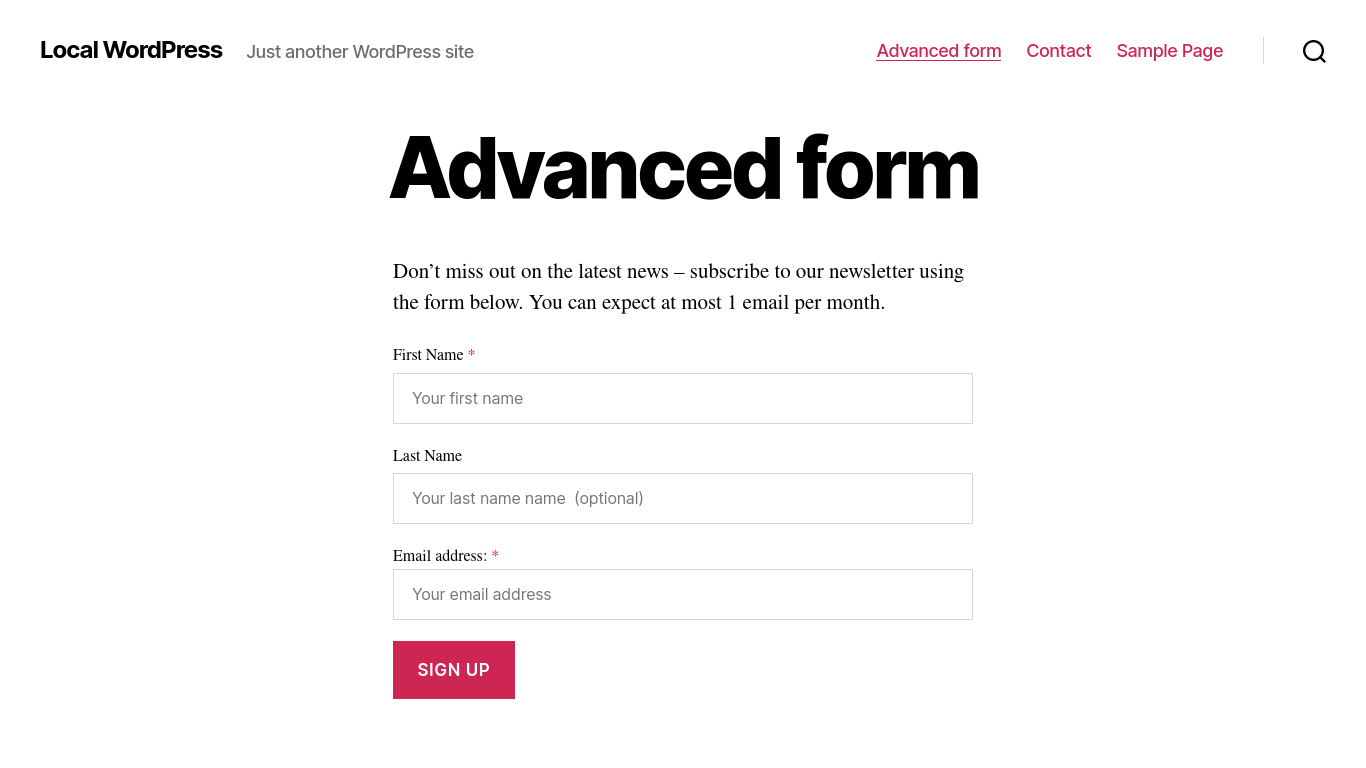
Sign-up forms which are good looking, user-friendly and mobile optimized. You have complete control over the form fields and can build your forms using native HTML.
-
Integrazione perfetta con i seguenti plugin:
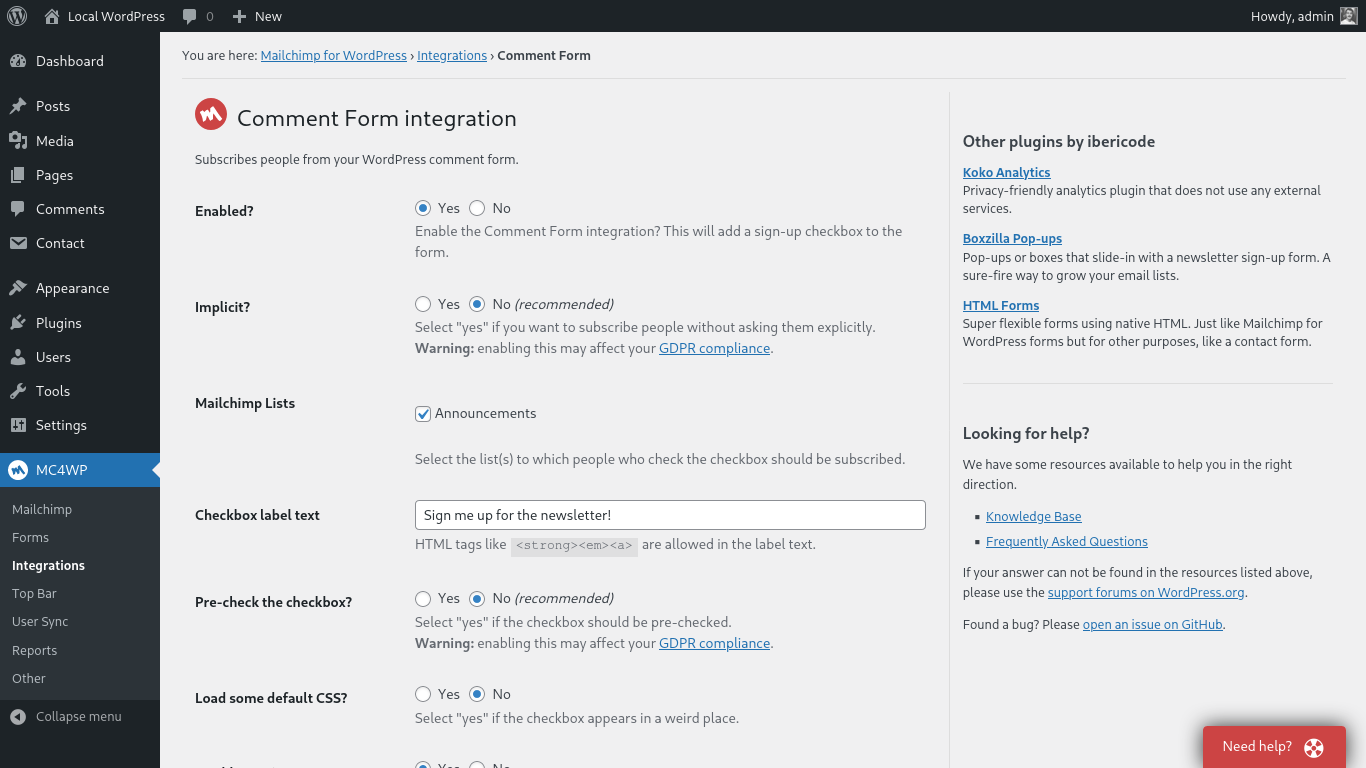
- WordPress Comment Form
- WordPress Registration Form
- Contact Form 7
- WooCommerce
- Gravity Forms
- Ninja Forms 3
- WPForms
- BuddyPress
- MemberPress
- Events Manager
- Easy Digital Downloads
- Give
- UltimateMember
- HTML Forms
- AffiliateWP
-
Is the plugin you want to integrate with not listed above? You can probably still use our custom integration feature. Alternatively, the plugin comes with a PHP API to programmatically add a new subscriber to Mailchimp.
-
Mailchimp for WordPress Premium: Send your WooCommerce orders to Mailchimp so you can see exactly what each subscriber purchased and how much revenue your email campaigns are generating.
-
Una moltitudine di add-on e integrazioni per plugin disponibili.
-
Well documented through our knowledge base.
-
Developer friendly. For some inspiration, check out our repository of example code snippets.
-
Ready for PHP 8.5, but backwards-compatible all the way down to PHP 7.4.
Cos’è Mailchimp?
Mailchimp is a newsletter service that allows you to send out email campaigns to a list of email subscribers. It is free for lists with up to 500 email subscribers, which is why it is the newsletter-service of choice for thousands of small businesses across the globe.
If you are not yet using Mailchimp, creating an account is 100% free and only takes you about 30 seconds.
Supporto
If you need some help in setting up the plugin, you have various options:
- Search through our knowledge base.
- Open a topic in the WordPress.org plugin support forums
- If you’re a premium user, send an email to the email address listed inside the plugin.
Traduzioni
You can help translate this plugin into your language using your WordPress.org account.
Sviluppo
Questo plugin è stato sviluppato su GitHub. Se vuoi collaborare, guardaibericode/mailchimp-for-wordpress.
Personalizzare il plugin
The plugin provides various filter and action hooks that allow you to modify or extend the default behavior. We’re also maintaining a collection of sample code snippets.
Screenshot




Blocchi
Questo plugin fornisce 2 blocchi.
- Form
- Campaigns
Installazione
Installare il plugin
- In your WordPress admin panel, go to Plugins > New Plugin, search for Mailchimp for WordPress and click “Install now“
- Alternatively, download the plugin and upload the contents of
mailchimp-for-wp.zipto your plugins directory, which usually is/wp-content/plugins/. - Attiva il plugin
- Set your API key in the plugin settings.
Configuring Sign-Up Form(s)
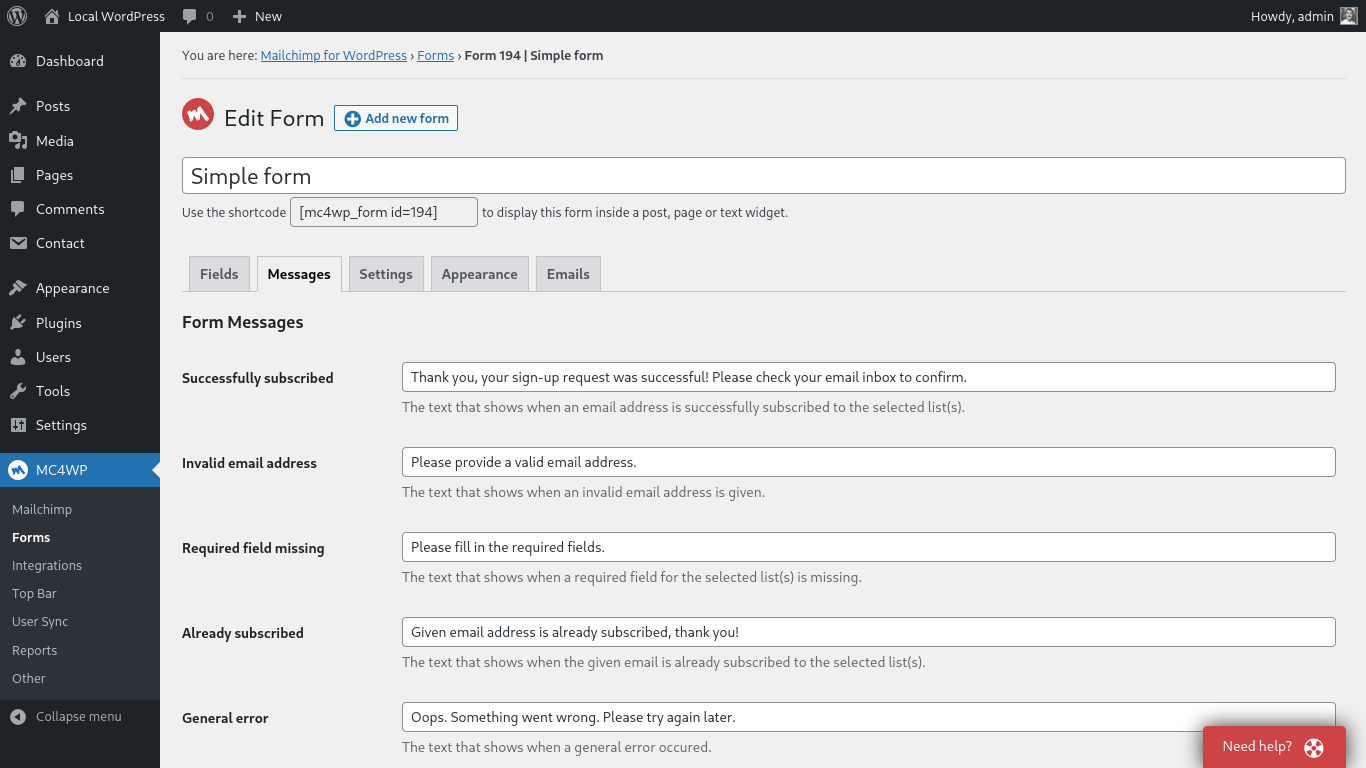
- Vai a MailChimp for WP > Forms
- Select at least one list to subscribe people to.
- (Opzionale) Aggiungi più campi al tuo form.
- Embed a sign-up form in pages or posts using the
[mc4wp_form]shortcode or Gutenberg block. - Show a sign-up form in your widget areas using the “Mailchimp Sign-Up Form” widget.
- Show a sign-up form from your theme files by using the
mc4wp_show_form()PHP function.
Hai bisogno di aiuto?
Please take a look at the MC4WP knowledge base first.
Se non trovi la risposta qui, cerca nel forum di supporto del plugin o inizia un nuovo topic.
FAQ
-
Where can I find my Mailchimp API key?
-
You can find your API key here
-
How to display a form in posts or pages?
-
Use the
[mc4wp_form]shortcode or the Gutenberg block. -
Go to Appearance > Widgets and use the Mailchimp for WP Form widget that comes with the plugin.
-
How to add a sign-up checkbox to my Contact Form 7 form?
-
Use the following shortcode in your CF7 form to display a newsletter sign-up checkbox.
[mc4wp_checkbox "Subscribe to our newsletter?"]Our knowledge base has more information on connecting Contact Form 7 and Mailchimp.
-
The form shows a success message but subscribers are not added to my list(s)?
-
If the form shows a success message, there is no doubt that the sign-up request succeeded. Mailchimp could have a slight delay sending the confirmation email though. Please check again in a few minutes (sometimes hours) and don’t forget to check your junk folder too.
When you have double opt-in disabled, new subscribers will be seen as imports by Mailchimp. They will not show up in your daily digest emails or statistics. We always recommend leaving double opt-in enabled.
-
How can I style the sign-up form?
-
You can use custom CSS to style the sign-up form if you do not like the themes that come with the plugin. The following selectors can be used to target the various form elements.
.mc4wp-form { ... } /* the form element */
.mc4wp-form p { ... } /* form paragraphs */
.mc4wp-form label { ... } /* labels */
.mc4wp-form input { ... } /* input fields */
.mc4wp-form input[type="checkbox"] { ... } /* checkboxes */
.mc4wp-form input[type="submit"] { ... } /* submit button */
.mc4wp-alert { ... } /* success & error messages */
.mc4wp-success { ... } /* success message */
.mc4wp-error { ... } /* error messages */
You can add your custom CSS to your theme stylesheet or (easier) by using a plugin like Simple Custom CSS
-
How do I show a sign-up form in a pop-up?
-
We recommend the Boxzilla pop-up plugin for this. You can use the form shortcode in your pop-up box to show a sign-up form.
-
How do I subscribe from my WooCommerce checkout form?
-
You can use our WooCommerce integration for that. How to subscribe to Mailchimp from the WooCommerce checkout form.
-
How to connect my WooCommerce store with Mailchimp?
-
You can find instructions for connecting your WooCommerce store with Mailchimp on our website.
-
I’m getting an “HTTP Error” when trying to connect to Mailchimp.
-
the “HTTP Error” type is usually because of a firewall configuration issue or outdated software on your web server.
Please contact your webhost and ask them to check the following:
- Whether remote HTTP requests to
https://api.mailchimp.comare allowed. - Whether cURL and the PHP-cURL extension are installed and updated to a recent version.
- Whether remote HTTP requests to
-
My question is not listed here.
-
Please search through our knowledge base.
Recensioni


Contributi e sviluppo
“MC4WP: Mailchimp for WordPress” è un software open source. Le persone che hanno contribuito allo sviluppo di questo plugin sono indicate di seguito.
Collaboratori


“MC4WP: Mailchimp for WordPress” è stato tradotto in 33 lingue. Grazie a chi traduce per il contributo.
Traduci “MC4WP: Mailchimp for WordPress” nella tua lingua.
Ti interessa lo sviluppo?
Esplora il codice segui il repository SVN, segui il log delle modifiche tramite RSS.
Changelog
4.13.0
Release date: Jun 1, 2026
- Improve performance by preloading core plugin classes and skipping dynamic content tag parsing when no tags are present.
- Improve security for admin AJAX requests by adding a nonce check and stricter audience ID handling.
- Improve dynamic content tag replacement by removing broken regular expressions.
- Improve form preview output by disabling PHP error display during preview rendering.
- Update JavaScript dependencies and pass admin script data using
wp_add_inline_script().
4.12.6
Release date: May 26, 2026
- Fix integrations losing runtime options like double opt-in when sign-up attempts are processed asynchronously. Thanks Jon Parker!
- Fix Site Tracking Pixel setting not being saved when disabling it.
- Improve accessibility of generated form fields by wrapping inputs in labels and using fieldsets for checkbox and radio fields.
- Improve validation and sanitization of submitted form data.
- Improve debug log safety by truncating overly long messages and improving email address obfuscation. Thanks Jack Feldcher!
4.12.5
Release date: May 8, 2026
- Fix fatal error on plugin activation in some cases when wp_rand() returns a value below 10 for the minute part. Thanks Tim Carr!
4.12.3
Release date: May 5, 2026
- Improved Mailchimp Site Tracking Pixel support. Site is now automatically discovered or registered in Mailchimp when feature is enabled.
- Sign-up attempts for integrations are now processed asynchronously (via a scheduled event).
- Ensure mc4wp_refresh_mailchimp_lists is scheduled in site’s local timezone.
- Added missing translator comments to all translatable strings.
- General code hardening and minor improvements as reported by the Plugin Check tool.
4.12.2
Release date: Apr 20, 2026
- Add Mailchimp Campaign Archive block and [mc4wp_campaigns] shortcode to show an archive Mailchimp email campaigns. Thanks to Faisal Ahammad!
- WooCommerce: Allow “after email” position for sign-up checkbox when using Checkout Block.
- WooCommerce: Detect use of Checkout Block and only show available positions.
- Show warning when cron is behind schedule. Thanks to Faisal Ahammad!
- Add preliminary support for Mailchimp Site Tracking Pixel. Thanks to Faisal Ahammad!