Row-level calculations
We’ll walk through several examples of row-level calculations in this section. You’ll find the completed calculations in the Complete workbook, but you might prefer to start from scratch in the Starter workbook. We won’t necessarily cover creating a visualization for every example, but try building some of your own as you work through the examples.
Concatenating strings
We’ll start with a very simple example and then build up in complexity. In the Chapter 04 workbook, create a new calculated field called Full Name with the following code:
[First] + " " + [Last]
This code concatenates the strings of First and Last with a space in between them. Your calculation editor should look something like the following:
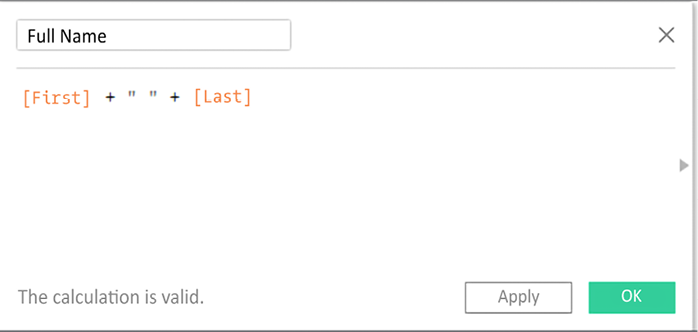
Figure 4.3: Creating the Full Name calculation in the editor
After clicking OK, you should notice a new Full Name field in the data pane. The value for that field is calculated per row of...